
Avoid loss in quality when editing JPEG photos
Better JPEG
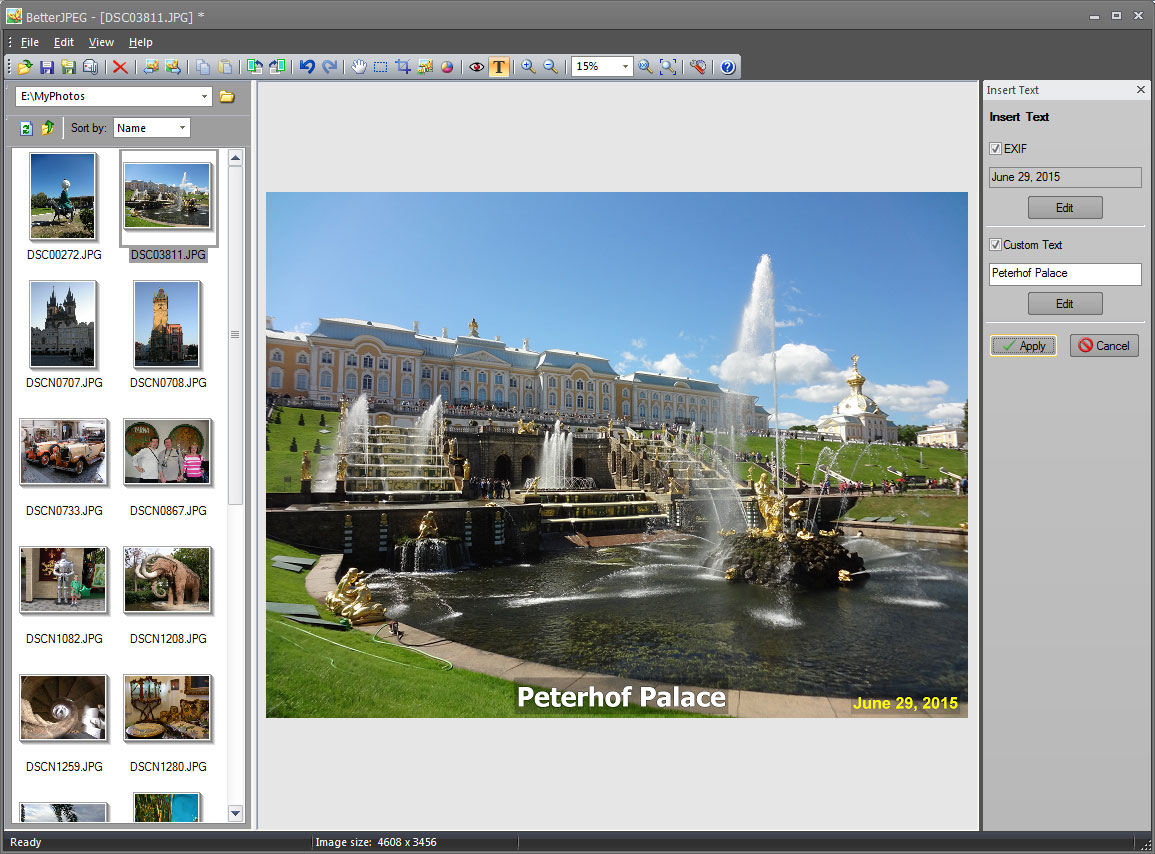
click for full size screenshot
The JPEG image format is inherently lossy. Because of this, each edit and subsequent recompression of JPEG photos in general purpose image editors, such as Adobe Photoshop, results in a progressive degradation of image quality.
Fortunately there is, in most cases, a way to avoid this unnecessary recompression. If all you need is to quickly process a group of JPEG photos from your latest vacation - rotate, crop, remove red-eye, correct color and brightness, imprint date or comment - you do not need to compromise on quality of photo editing. Better JPEG is a batch JPEG photo editor that can do all of this editing without loss of image quality.
Get the best from your JPEG photos, with no compromises!
Get better result by editing your photos with Better JPEG photo editor:
- Rotate, Flip photos (lossless)
- Crop photos (lossless) - predefined and user-defined aspect ratios and sizes, composition guidelines
- Add Margins to your photos (lossless)
- New Correct Brightness (lossless)
- New Correct Color (lossless)
- Add Date / EXIF Info / Text to photos (lossless) - adjustable position, font, size, color, background, language, format, etc.
- Remove Red Eyes from photos (lossless) - anti-aliasing, adjustable size, sensitivity, darkening
- Copy/Paste to and from an external editor for local retouching without full recompression (lossless)
- Resize photos
- New Convert to Black & White (Grayscale) (lossless)
- New Remove JPEG artifacts from photos
- E-mail photos to friends and relatives
- Batch process photos
- Combine actions (Macro)
- Undo/Redo editing
- Preserve Metadata
- Optimize JPEG Compression
Buy Better JPEG now with a $10 discount!*